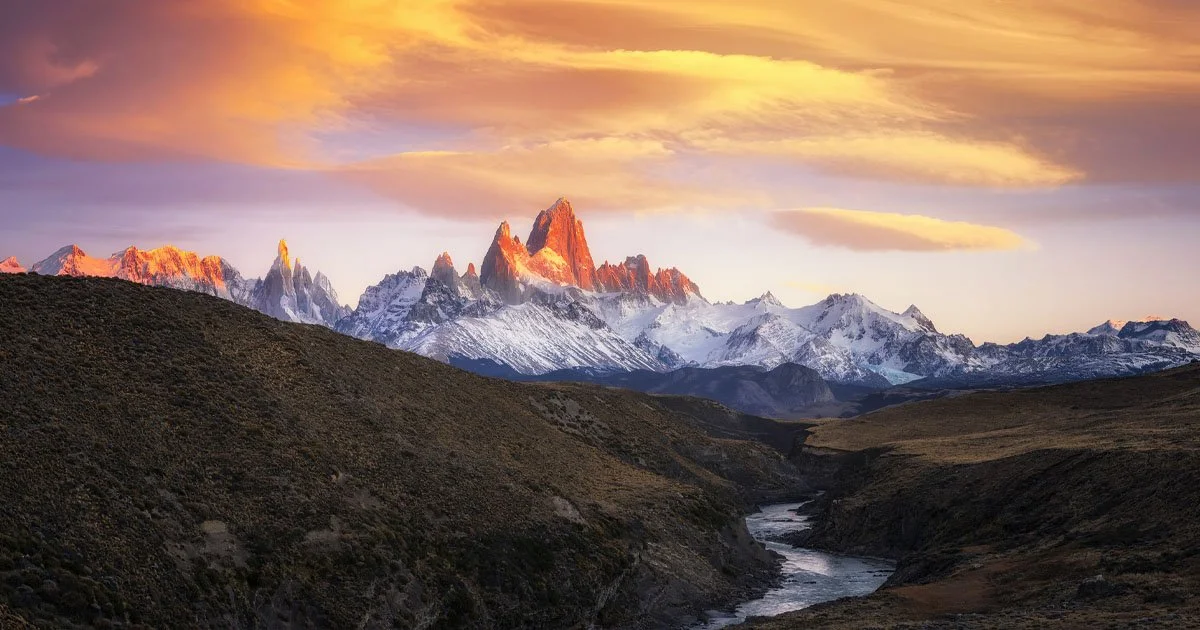
Sunrise light illuminating Mount Fitz Roy and the surrounding snow-covered peaks above a winding river in Patagonia, Argentina. Landscape photography by Timothy Poulton.
Photography has never ended for me when I press the shutter.
Capturing the image in the field is only the beginning. The other half of the process happens later, in front of the computer, where I use Adobe Photoshop to shape the light, colour, atmosphere and emotion I experienced when I was standing in that landscape.
I've been using Photoshop for more than 30 years, and landscape photography professionally for more than 15 years. Over that time my editing has changed enormously. I've experimented, made plenty of mistakes, pushed images far too hard, pulled them back again and gradually developed a workflow that feels completely my own.
Today, I don't approach Photoshop as a way of simply "fixing" photographs.
I use it as a creative darkroom.
It Starts in the Field
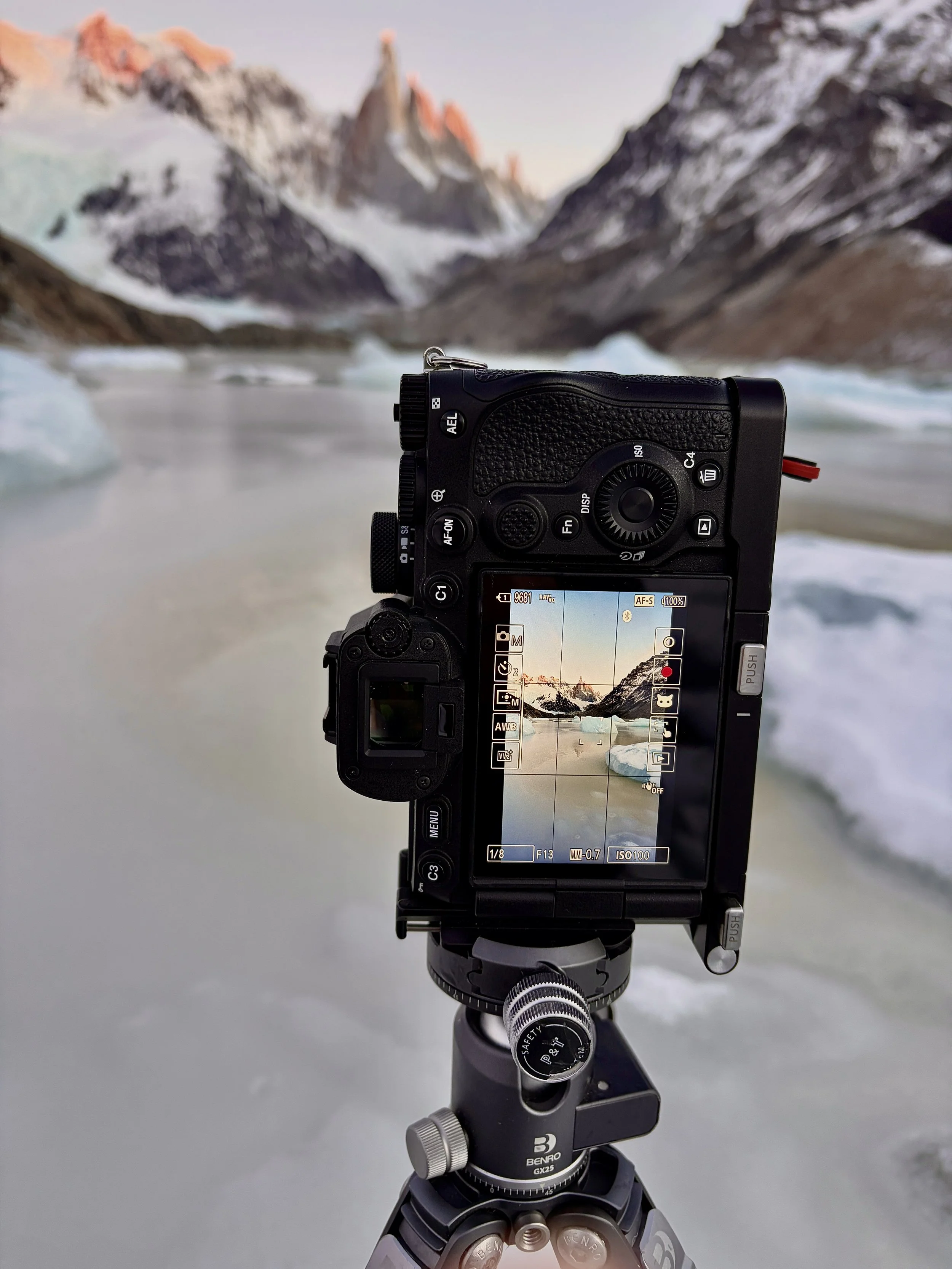
Sony mirrorless camera on a tripod composing a sunrise photograph of jagged mountain peaks and floating ice on a glacial lake in Patagonia. Landscape photography by Timothy Poulton.
Good editing can't rescue a photograph that doesn't have the foundations of a strong image.
Before I even think about Photoshop, I'm looking for composition, light, atmosphere, separation and depth. I'm thinking about where the eye will travel through the photograph and which parts of the landscape are actually important to the story.
Sometimes I'll wait hours for the right light. Other times, everything happens in a matter of seconds.
I also regularly use techniques such as exposure bracketing, focus stacking, panoramic stitching and long exposures when the scene requires them. These aren't tricks designed to manufacture a photograph later. They're ways of overcoming the limitations of a camera and capturing enough information to create the image I have in mind.
Once I'm back at the computer, the real interpretation begins.
RAW Processing: Building the Foundation
My first stage is about creating a clean, flexible starting point.
I'm not trying to make the photograph spectacular at this point. I'm looking at exposure, white balance, highlight and shadow information, lens corrections and the overall tonal range.
One of the biggest mistakes photographers can make is trying to finish the photograph during RAW processing.
I prefer to leave myself room.
Photoshop gives me much greater control over individual areas of an image, so the initial RAW conversion is primarily about giving me the best possible material to work with.
Photoshop: Where the Photograph Takes Shape
Once the image enters Photoshop, I start thinking less technically and more visually.
Where do I want you to look?
What should be brighter?
What should disappear into shadow?
Does the foreground lead your eye toward the subject?
Is there too much competing for attention?
This is where selections, masks, adjustment layers and local adjustments become incredibly important.
Rather than applying an effect across the entire photograph, I prefer to work selectively. A tiny adjustment in exactly the right place can often have far more impact than a dramatic adjustment applied everywhere.
That's one of the most important things I've learned during decades of using Photoshop:
Control is more important than intensity.
Creating Light
Light is probably the most important part of my editing.
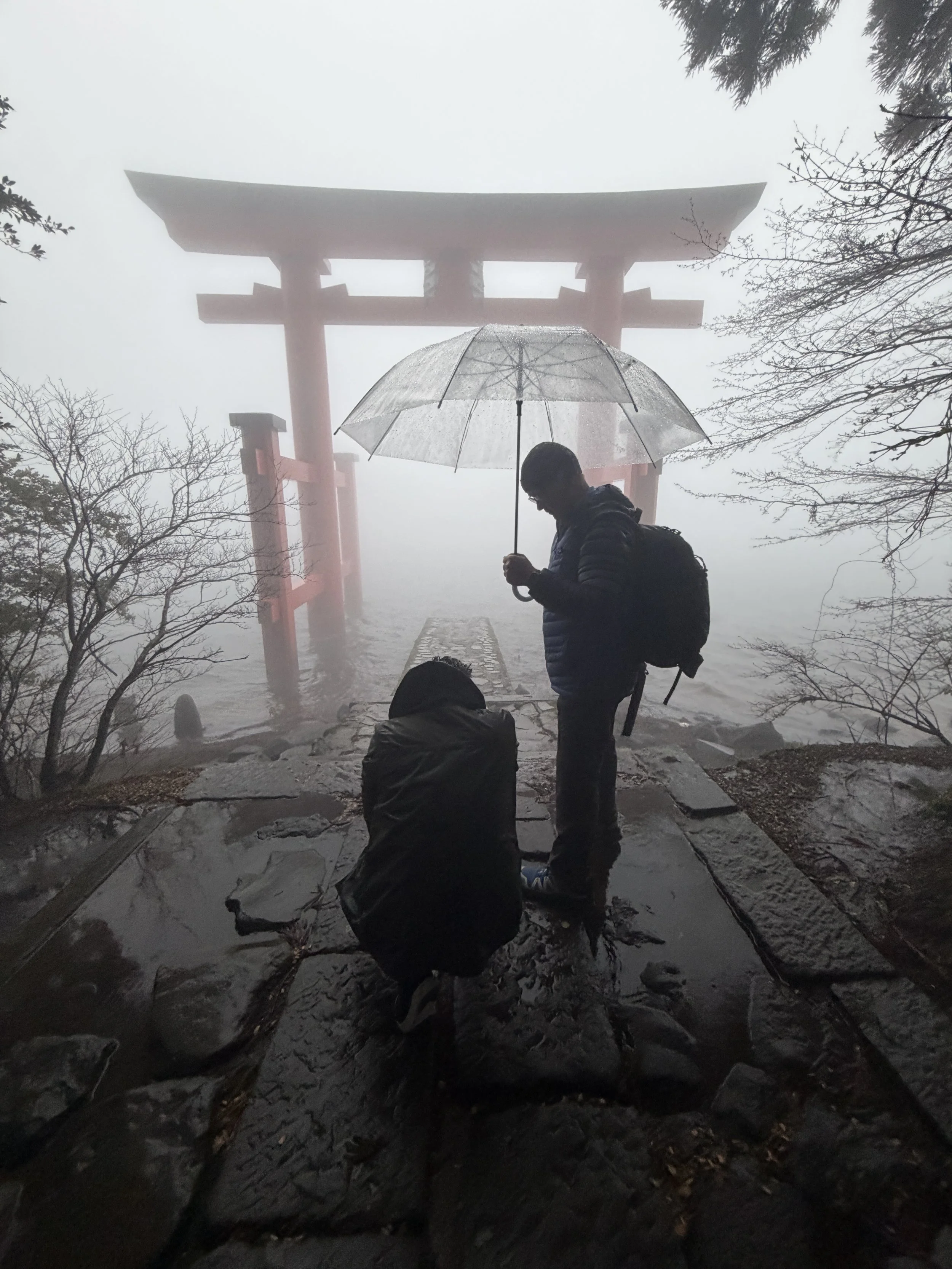
Landscape photographer working beneath a traditional Japanese torii gate in heavy rain and mist, sheltering camera equipment under an umbrella while photographing in challenging conditions in Japan.
I'm not simply making areas brighter and darker. I'm using luminosity to create structure.
I'll often subtly brighten the areas where I want the viewer's eye to travel and reduce the prominence of areas that aren't contributing to the composition.
This can involve dodging and burning, curves, luminosity selections, masks and carefully controlled local contrast.
The objective is to make the light feel believable.
Ideally, you shouldn't look at one of my photographs and immediately think, "That's been dodged and burned."
You should simply feel that the light works.
Colour Is About Relationships
Colour grading is another major part of my work, but I rarely think about individual colours in isolation.
I'm interested in how colours interact.
Warm light becomes more powerful when it's surrounded by cooler tones. A small amount of complementary colour can create separation between foreground and background. Reducing saturation in one area can make another colour appear stronger without increasing its saturation at all.
This is why simply pushing the saturation slider rarely produces sophisticated colour.
I'm constantly looking at colour relationships, luminosity and balance.
Sometimes the most effective colour adjustment is actually removing colour.
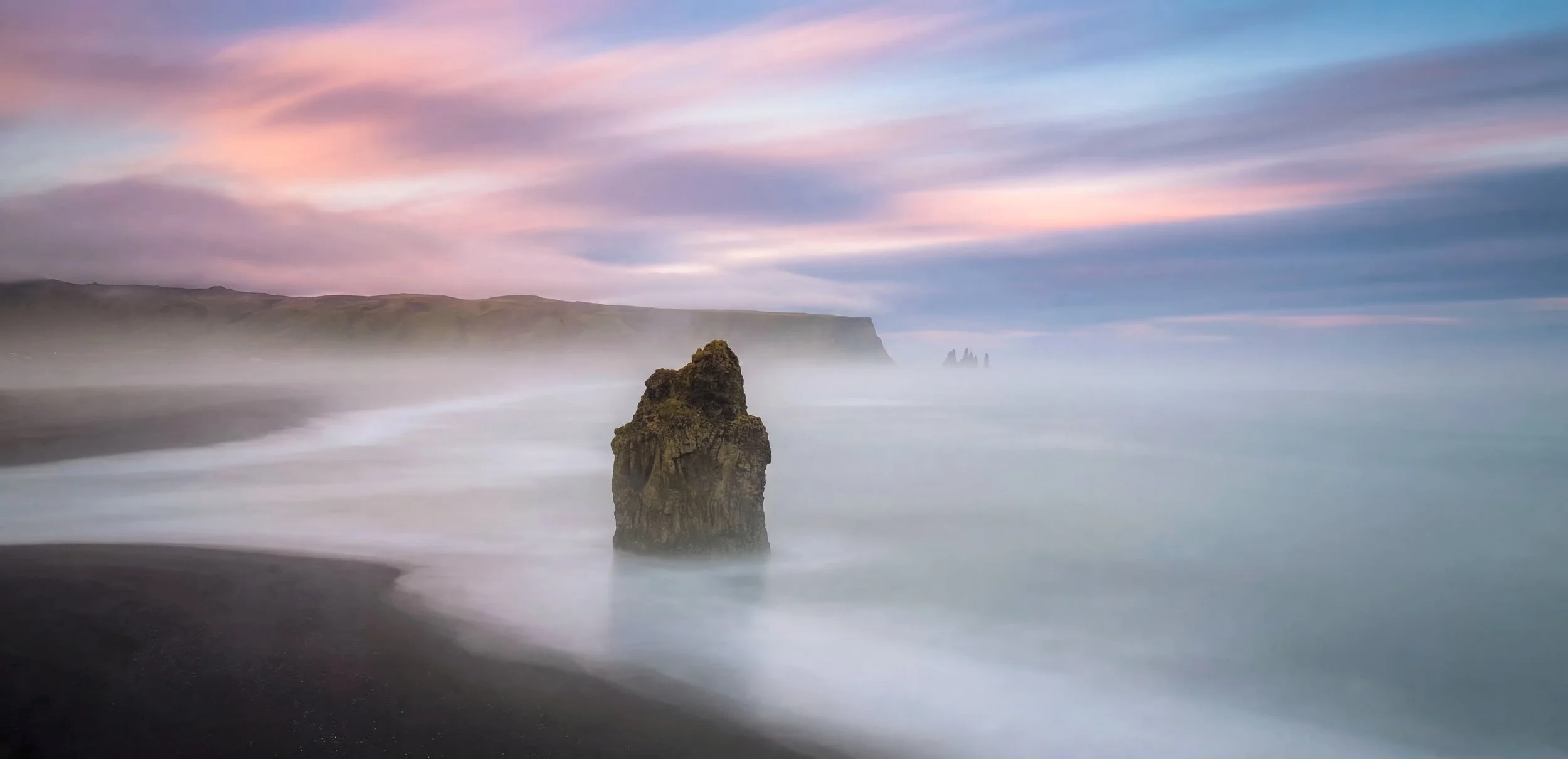
Long-exposure landscape photograph of a sea stack rising from the ocean along Iceland’s black sand coast, beneath soft pink and blue sunset clouds. Photography by Timothy Poulton.
Creating Depth
A photograph takes a three-dimensional landscape and compresses it onto a flat surface.
A significant part of editing landscape photography is therefore rebuilding the perception of depth.
Contrast, colour temperature, sharpness, atmospheric perspective and luminosity can all influence whether something appears closer or further away.
Foreground elements may receive slightly more texture and local contrast, while distant mountains can remain softer and less contrasty.
Again, these adjustments can be extremely subtle.
But collectively they can transform the sense of space within an image.
Detail Without Destroying the Photograph
Modern cameras capture extraordinary amounts of detail, and it's very easy to become obsessed with sharpness.
But sharpness everywhere isn't necessarily a good photograph.
Our eyes don't examine every part of a scene equally, and I don't believe every pixel needs to scream for attention.
I prefer selective sharpening and local contrast.
Important textures can be emphasised while quieter areas are allowed to remain quiet. Sometimes I'll deliberately soften an area because excessive detail is distracting from the subject.
The goal isn't maximum detail.
It's useful detail.

Sunrise illuminating jagged snow-covered mountain peaks above a frozen glacial lake and icebergs in Patagonia, with warm golden light reflecting across the water. Landscape photography by Timothy Poulton.
Knowing When to Stop
This might be the hardest Photoshop technique of all.
Knowing when the photograph is finished.
After working on an image for a long time, your eyes adapt. Saturation starts looking normal. Contrast starts looking normal. Before long it's very easy to push an image beyond where it needed to go.
I regularly step away from an edit and return with fresh eyes.
Sometimes I'll discover an area that needs more work.
Just as often, I'll discover that something needs to be reduced.
Over the years I've become increasingly interested in restraint. If an adjustment isn't improving the image or strengthening the visual story, there's probably no reason for it to be there.
Photoshop, Photography and AI
With the rapid growth of generative AI, I think it's important to be clear about how my work is created.
My landscape photographs begin with photographs I capture myself in the field. My editing and finishing are carried out using the Photoshop skills I've developed over decades. They are not AI-generated landscapes.
Photoshop is an incredibly powerful tool, but for me it remains exactly that, a tool.
The decisions are still mine.
Where the light should fall. How the colours should interact. What should attract attention. What should disappear. When an image needs more work and, perhaps most importantly, when it needs less.
Those decisions are what ultimately create a personal photographic style.
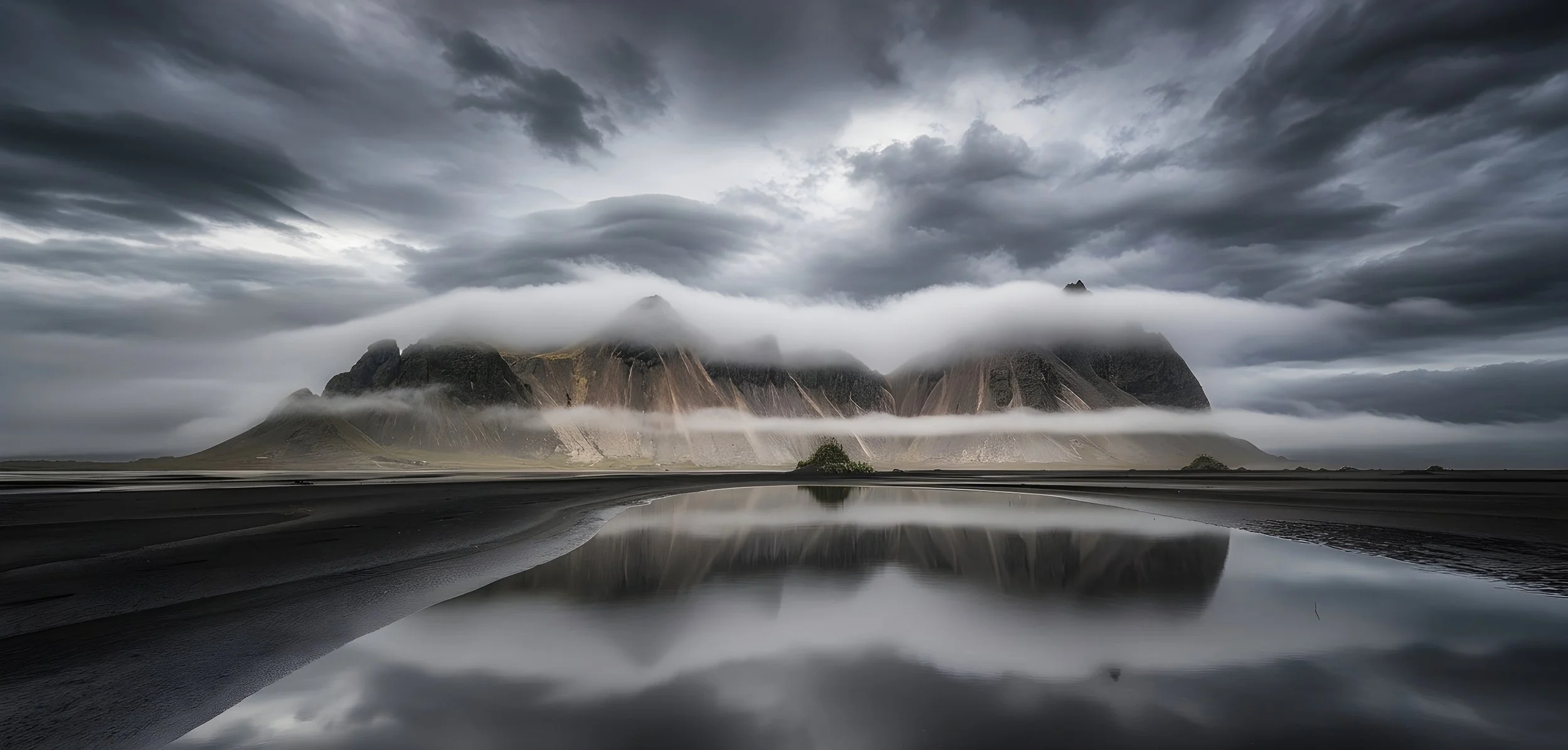
Vestrahorn mountain in Iceland surrounded by dramatic low clouds and reflected in still water across the black sand beach at Stokksnes. Landscape photography by Timothy Poulton.
There Is No Magic Photoshop Recipe
People often want to know the exact settings used to create a particular look.
But I've never believed there is a universal Photoshop recipe.
Every photograph is different.
The light is different. The landscape is different. The colours are different. The atmosphere is different.
Instead of memorising settings, I think photographers benefit far more from understanding why they're making an adjustment.
What problem are you solving?
Where should the viewer look?
What emotion are you trying to create?
Once you start asking those questions, Photoshop becomes much more than a collection of tools and sliders.
It becomes part of the creative process.
Developing Your Own Editing Style
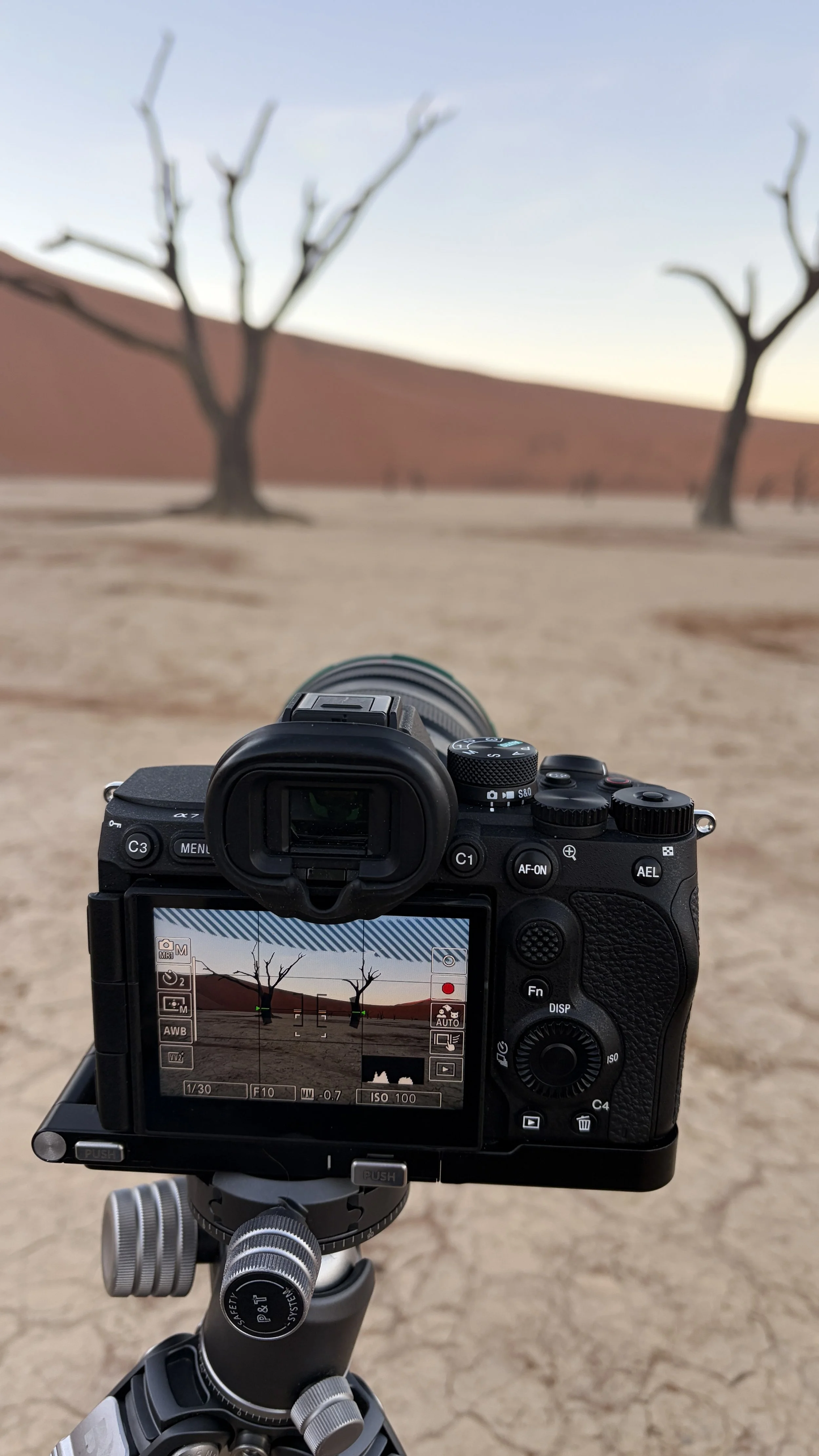
Sony mirrorless camera mounted on a tripod while composing a landscape photograph of dead trees and red sand dunes in Deadvlei, Namibia.
A recognisable editing style doesn't come from downloading somebody else's preset.
It develops slowly.
It comes from thousands of decisions made across hundreds of photographs. Eventually you begin gravitating towards certain kinds of light, colour, contrast and composition without consciously thinking about it.
That's why I encourage photographers to experiment.
Push things too far occasionally. Make mistakes. Try techniques that don't work. Then work out why they didn't work.
Technical knowledge gives you possibilities.
Experience teaches you which possibilities to ignore.
And somewhere between the photograph you captured in the field and the image you eventually finish in Photoshop, your own visual language begins to appear.
That's the part of image editing I still find fascinating after all these years.

Seabirds flying above a stormy Southern Ocean as dramatic snow-covered peaks emerge through wind, cloud and mist in Antarctica, photographed from a private boat. Landscape photography by Timothy Poulton.