



2 HOUR PHOTO EDITING SESSION (ZOOM)
Unlock Your Photographic Potential with Timothy Poulton's 2 Hour Photoshop/Lightroom Course.
Book a private, fully confidential 2‑hour Zoom session with internationally renowned panoramic landscape photographer Timothy Poulton. Work live on your own images of choice; the session is fully recorded for your reference. Buy now and book your spot at your convenience.
Online Course Highlights
What you get
One private 2‑hour Zoom session with Timothy Poulton (fully recorded)
Work directly on your images of choice - real-time guidance and critique
Fully confidential: your files and session remain private
Flexible booking: choose the date/time that suits you
Core focus areas (customised to your needs)
Photoshop/Lightroom essentials: interface, tools, workflow shortcuts
Layers, adjustments and masking techniques for precise edits
Luminosity masks for advanced tonal control
Colour theory and targeted colour adjustments
Camera Raw optimisation for maximum detail and dynamic range
Preparing images for print and digital presentation
Panoramic stitching and finishing (if applicable to your images)
Includes
Full session video recording delivered after the session
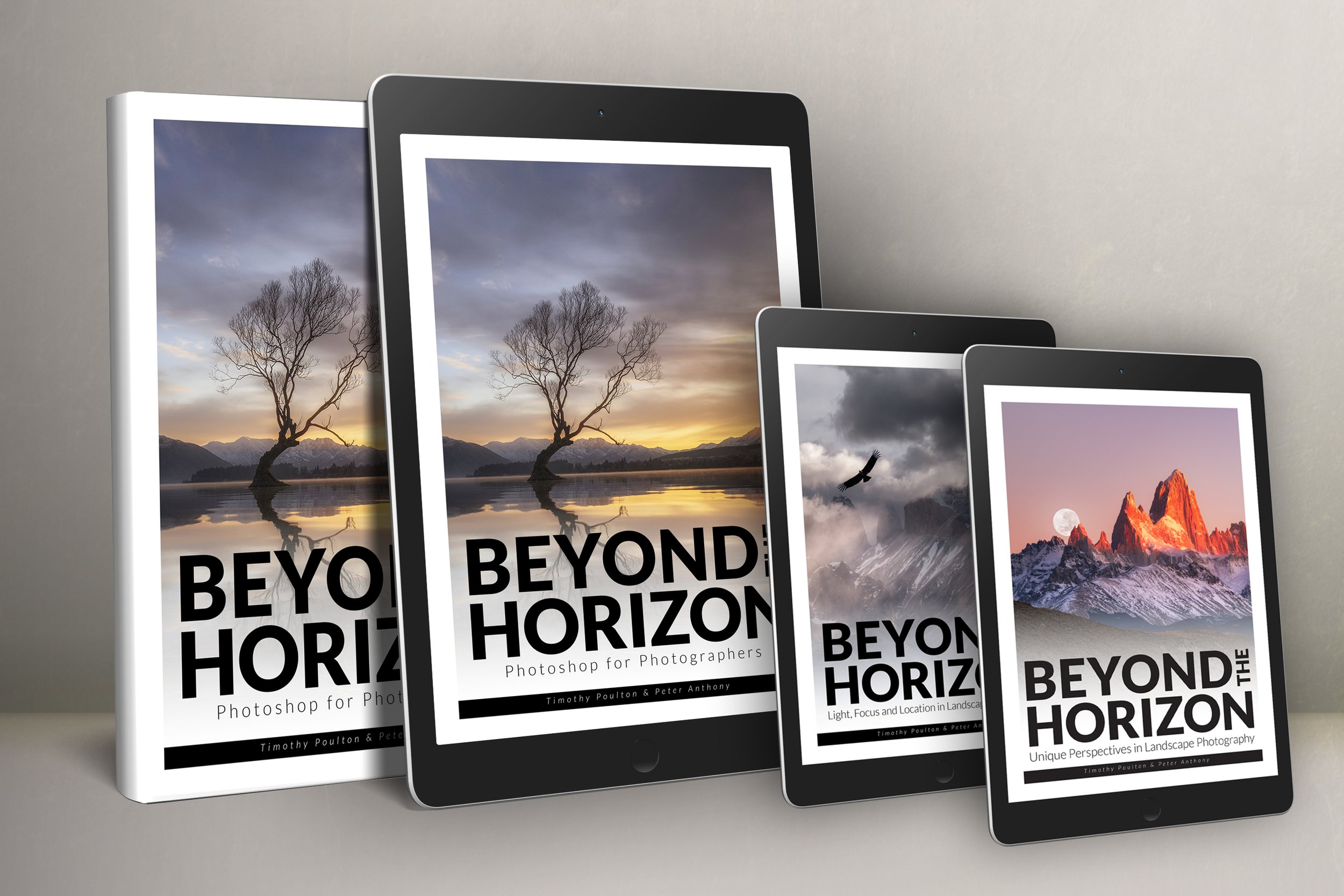
Digital copy of the Beyond The Horizon series eBooks
Ready to book? Purchase now and choose your preferred date and time.
What’s Included?
Location: Private Zoom meeting (online)
Duration: One private 2‑hour session
Confidential & Recorded: Session fully confidential and recorded; video provided after the session
Work on Your Images: Live, hands‑on editing of your chosen files with Timothy Poulton
Bonus: Digital copy of the Beyond The Horizon series eBooks
Why Book?
Expert Guidance: One‑on‑one Photoshop coaching from Timothy Poulton, renowned for his panoramic landscape work.
Tailored Learning: Session customised to your images and goals, focusing on the techniques you need most.
On‑Demand Access: Full recording lets you revisit every step at your own pace.
What You’ll Learn
Photoshop workflow and essential tools for efficient editing
Layers, adjustments, masks and luminosity mask techniques
Colour balancing, tonal control and finishing touches for print or web
Camera Raw optimisation and panoramic stitching/finishing (if applicable)
Optional Add‑Ons
Follow‑up 60‑minute review session (bookable separately)
Hands‑on print preparation consultation
Requirements for the Photoshop Course:
Fully functional computer
Latest versions of Adobe Bridge, Camera Raw, and Photoshop
Basic knowledge of your camera and equipment
Buy now and choose a convenient date/time to reserve your private session.
Limited slots available; book your private session today.
By paying you agree to our Terms of service
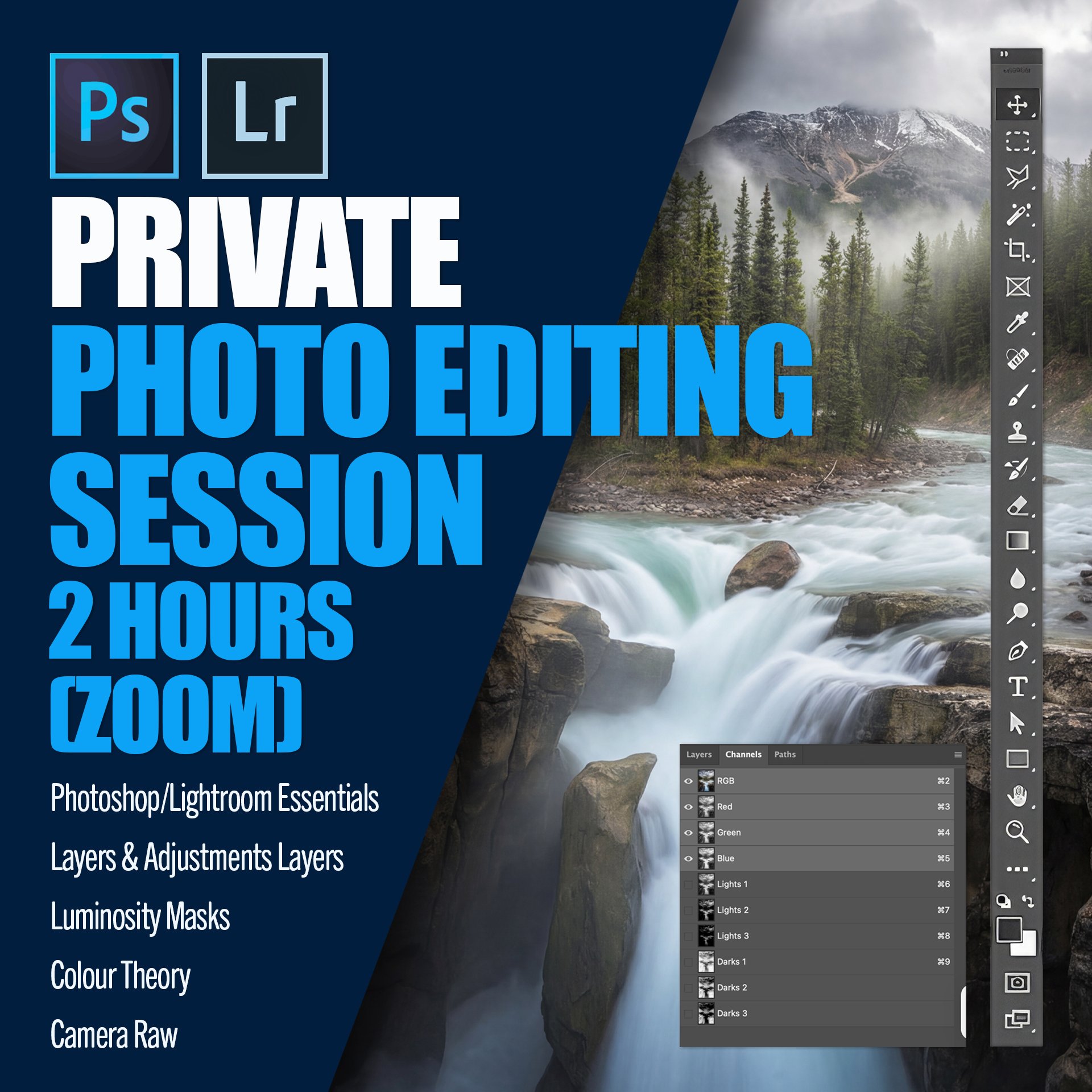
Elevate your editing skills with a personalised 2-hour session guided by renowned expert Timothy Poulton. Discover the secrets of professional digital editing from the comfort of your home.
Master Photoshop/Lightroom and gain confidence in digital editing.
Learn layers, adjustments, and luminosity masks to elevate your skills.
Understand colour theory and Camera Raw to enhance your creative workflow.
Unlock your creative potential with expert guidance, transforming your editing skills and empowering your artistic projects.
TESTIMONIALS
“I had an amazing experience at the two photography workshops by Timothy Poulton that I attended. They were not only incredibly enjoyable but also packed with valuable learning opportunities. Tim was exceptionally generous with his time and knowledge, ensuring that every participant got the most out of the workshops. His passion for photography and teaching made the entire experience fun and engaging. I highly recommend his workshops to anyone looking to enhance their photography skills while having a great time.
I attended the workshop in Tasmania as well as the Photoshop workshop at Tim’s beautiful property, and I very much hope to attend more in the future.”
“Thank you for the video course; it has been a great help and really benefited me. I keep watching the videos and going back again and again until I get it. I was struggling to keep up at first, but your work is amazing and truly inspiring. Please keep up the great work!
I hope there will be an advanced course in the near future. Please let me know if there are any additional videos coming for download.”
““I just finished a workshop with Tim on photo processing and found it incredibly informative. Tim has an excellent presentation style and outstanding teaching skills. I highly recommend this workshop, and his property is a perfect setting for it. I’d love to do another one in the future! 😀 Thanks again, Tim, for a fantastic experience.””