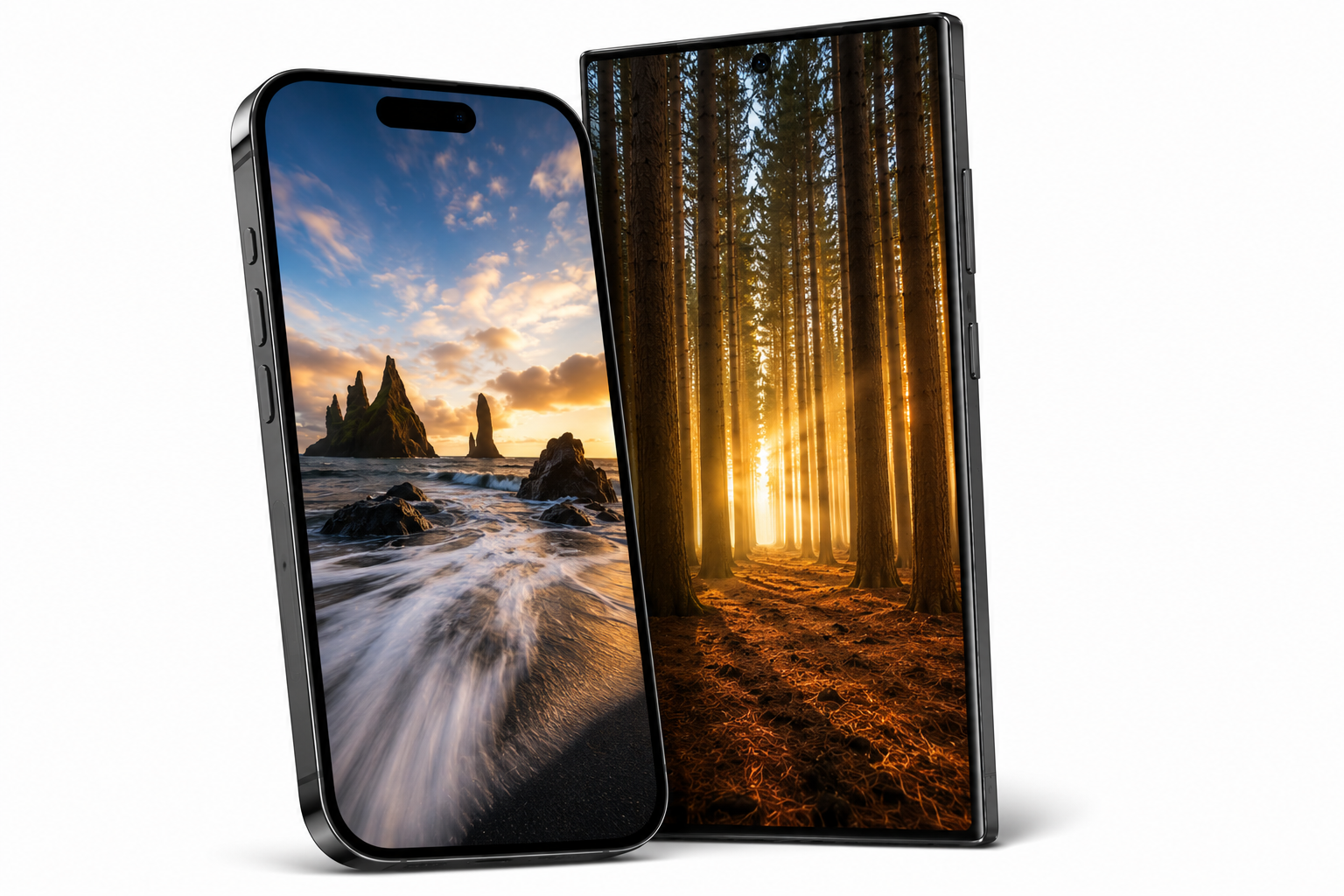
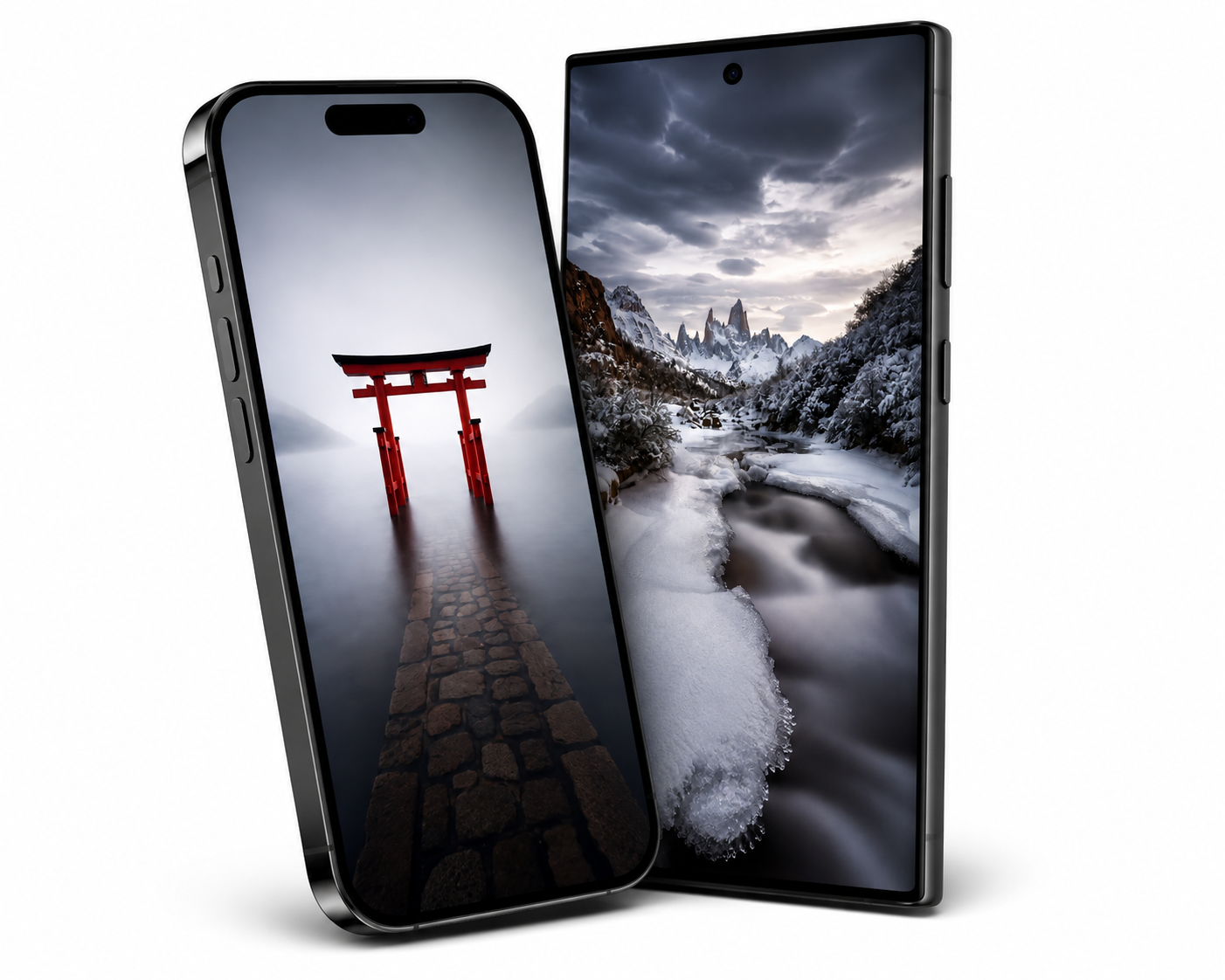
A Little Beauty, Wherever You Go
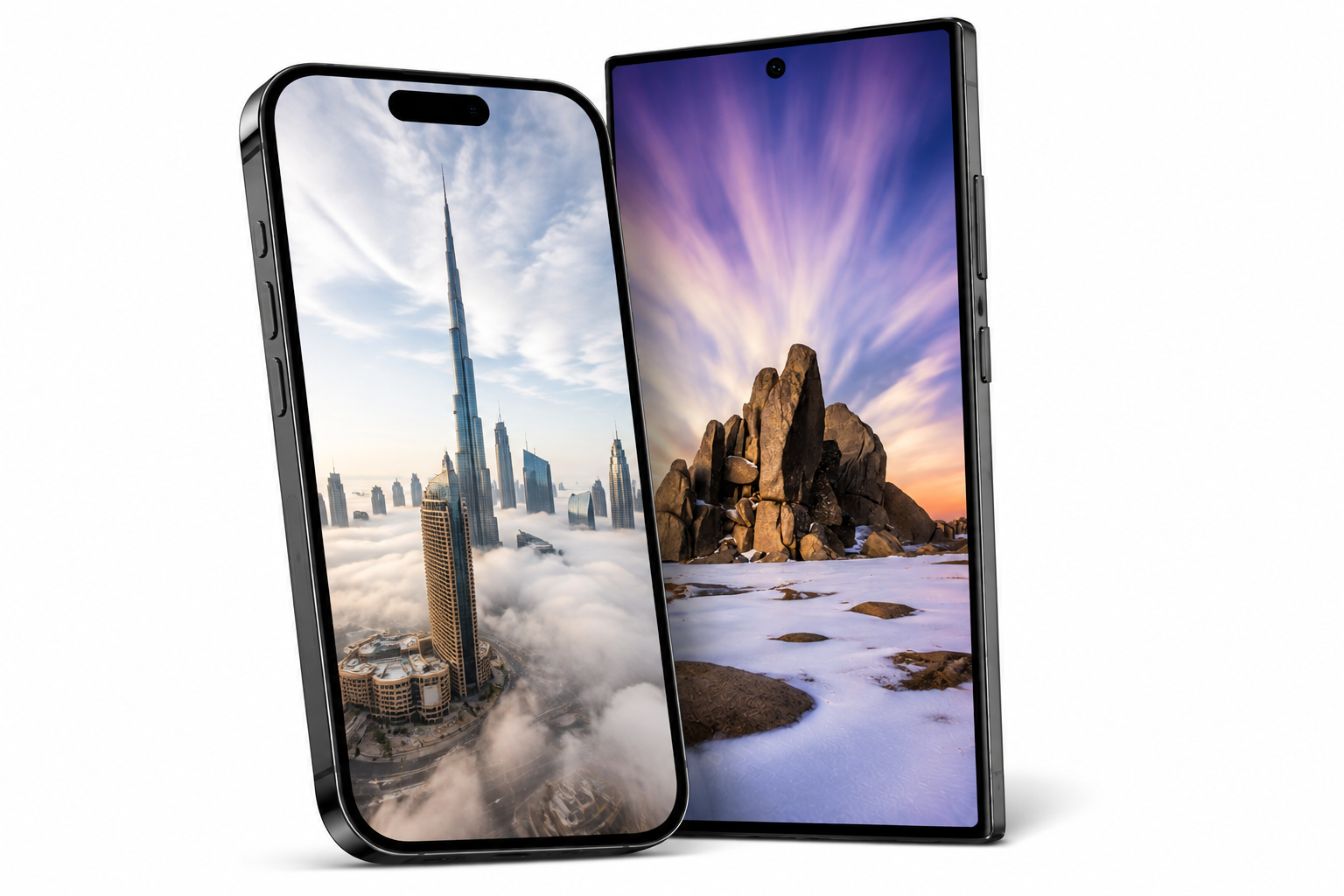
Exclusive mobile wallpapers created from my photography, a small thank you for supporting my creative journey.
InstructionsiPhone
Download your wallpaper
Tap the download link and select the wallpaper you’d like to use. Save the image to your Photos.Open the wallpaper settings
Go to Settings → Wallpaper → Add New Wallpaper → Photos.Choose your image
Select your downloaded wallpaper. Pinch or move the image to position it exactly how you like.Set your wallpaper
Tap Add, then choose Set as Wallpaper Pair to use it for both screens, or customise your Home Screen separately.
Quick Tip: You can also open the image in Photos, tap Share, and select Use as Wallpaper.
Android
Steps may vary slightly depending on your phone.
Download your wallpaper
Tap the download link and save your chosen image to your phone.Open the image
Find the wallpaper in your Gallery or Google Photos.Set as wallpaper
Open the image, tap the three-dot menu or More, then select Set as wallpaper or Use as.Choose where to display it
Select Home Screen, Lock Screen, or Home and Lock Screens.Position your image
Adjust or crop the photograph if required, then tap Set Wallpaper.
Enjoy Your New Wallpaper
Thank you again for supporting my photography and creative work. I hope these images bring a little beauty and inspiration to your screen every day.
Timothy Poulton Photography